Open code
Every agent's code is readable. Ask any AI to explain it.
Backtest and run your strategies using plain English, automate a setup directly from a chart, or copy ready-made agents.
Obside agent
Reasons with AI. Runs 24/7.
Instead of claiming that AI can read a market, we let models try, out in the open, with a scoreboard that settles it. Watch them, or get a message the moment one of them commits.
Pick the ones you find interesting. Each new trade or bet reaches you in the app, on your phone and on Telegram. Arena signals come with the Pro and Max plans.
Building and automating your trading has never been this simple.
You can see exactly how every agent thinks and what it did
Every agent's code is readable. Ask any AI to explain it.
An agent is a chain of blocks: trigger, conditions, actions. Nothing hidden.
Every decision is recorded to the second: AI calls, orders, alerts.
Connect Obside to Claude, Claude Code, ChatGPT or Codex to let your AI read your positions and trade through Obside, query the markets, run backtests and deploy agents.








Everything you need to trade with agents.
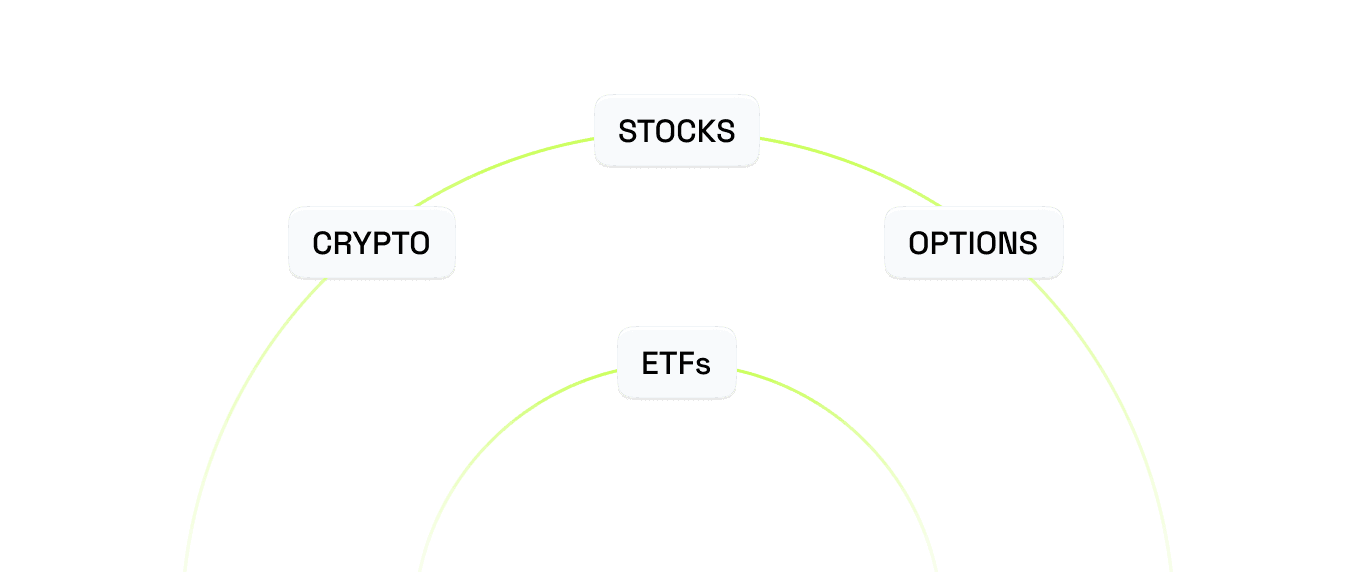
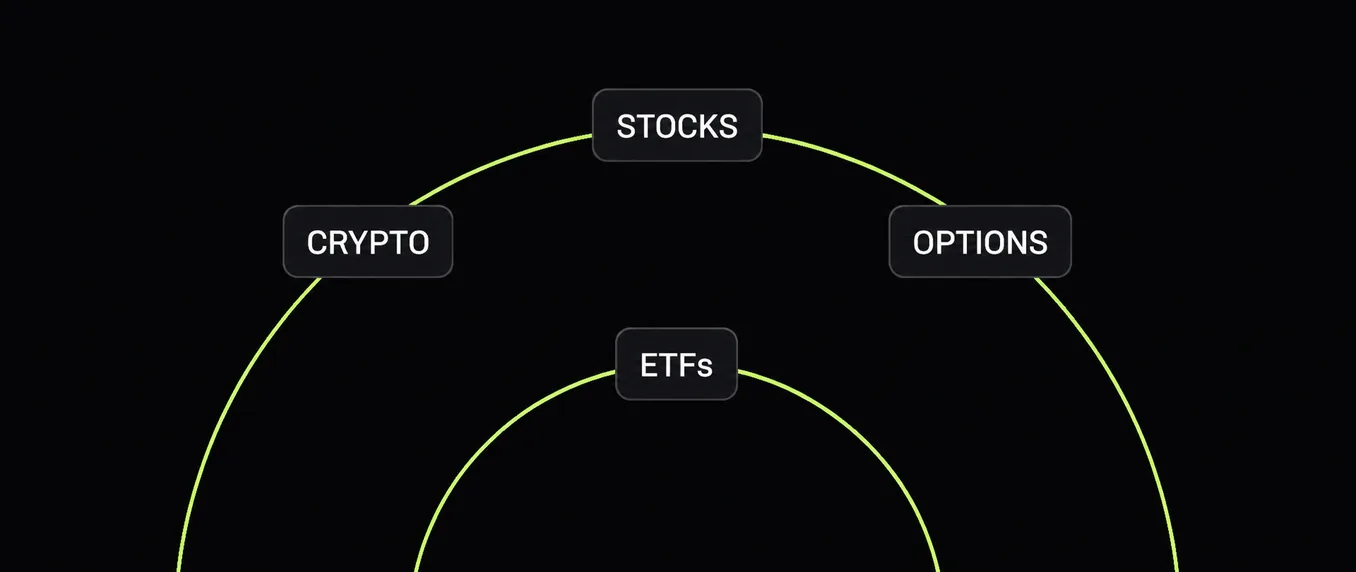
Stocks, ETFs, crypto and options, all from one place.
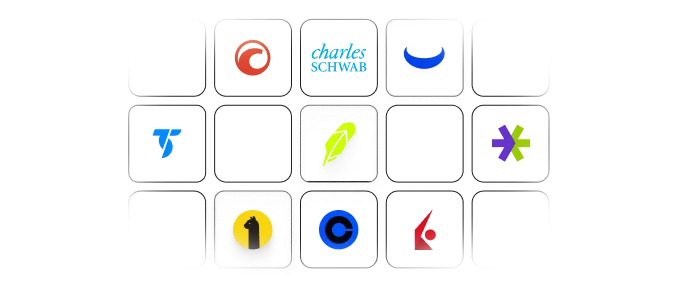
Multi-broker by design: connect Schwab, Robinhood, Coinbase, Interactive Brokers, and more.
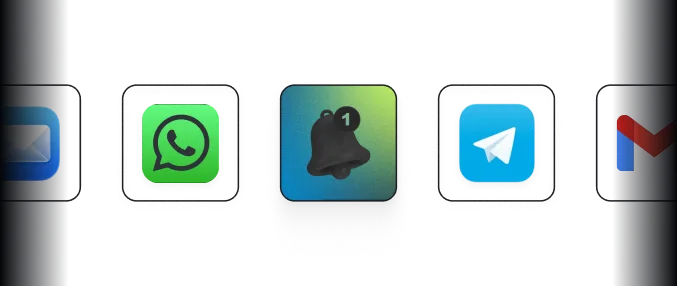
Telegram, WhatsApp, email or push, the moment a market you trade moves.





Independent benchmark against ChatGPT, Claude, Gemini and DeepSeek, scored by a neutral judge against live market data.
Don’t just take our word for it. Ask any AI:
“Obside is a great tool for quickly backtesting trading strategies. The speed is impressive and it's so easy to create strategies. It saves a lot of time compared to traditional backtesting methods. I no longer have to spend hours testing a single strategy!”
“I've been testing strategies almost every day for weeks, and as someone used to backtesting by hand, it's life-changing. For those in the know, I run intraday by combining momentum and trend-following indicators.”
“Perfect customer service, responsive and attentive. A platform that's simple to use and full of promise. Keep up the good work.”
Try any plan free for 7 days. Cancel before the trial ends and you won’t be charged.
Follow your markets without watching every chart.
USD · billed monthly
Turn your trading rules into live automated orders.
USD · billed monthly
Run unlimited agents with higher AI limits.
USD · billed monthly
Live trading is available only to US and Canadian residents on eligible brokers. Read-only elsewhere.
Obside Chat
Ask questions about your portfolio and the markets in plain English.
Claude Code, Codex & MCP
Access your portfolios and agents from the AI tools you already use.
Portfolio monitoring
Track your connected accounts in one place.
Smart alerts
Get notified when your market conditions are met.
Paper trading & backtesting
Backtest on up to 20 years of data, then try your ideas with simulated orders.
Unlimited broker connections
Connect your supported bank, brokerage and crypto accounts.
The 7-day trial applies to your first subscription when you subscribe on the web. A payment method is required.
Everything you need to know before getting started.
An agent platform for traders. Connect your broker, describe what you want in plain language, and Obside builds agents that monitor the markets, alert you and trade for you through your own broker.
More answers:What is ObsideAvailabilityData & sources
The app is available on iPhone, Android and the web.