
Connecting Your Broker to an AI Agent: Safety Checklist
API keys, OAuth aggregators, MT5: how broker connections to AI agents actually work, plus the safety checklist that keeps a compromise annoying instead of catastrophic.
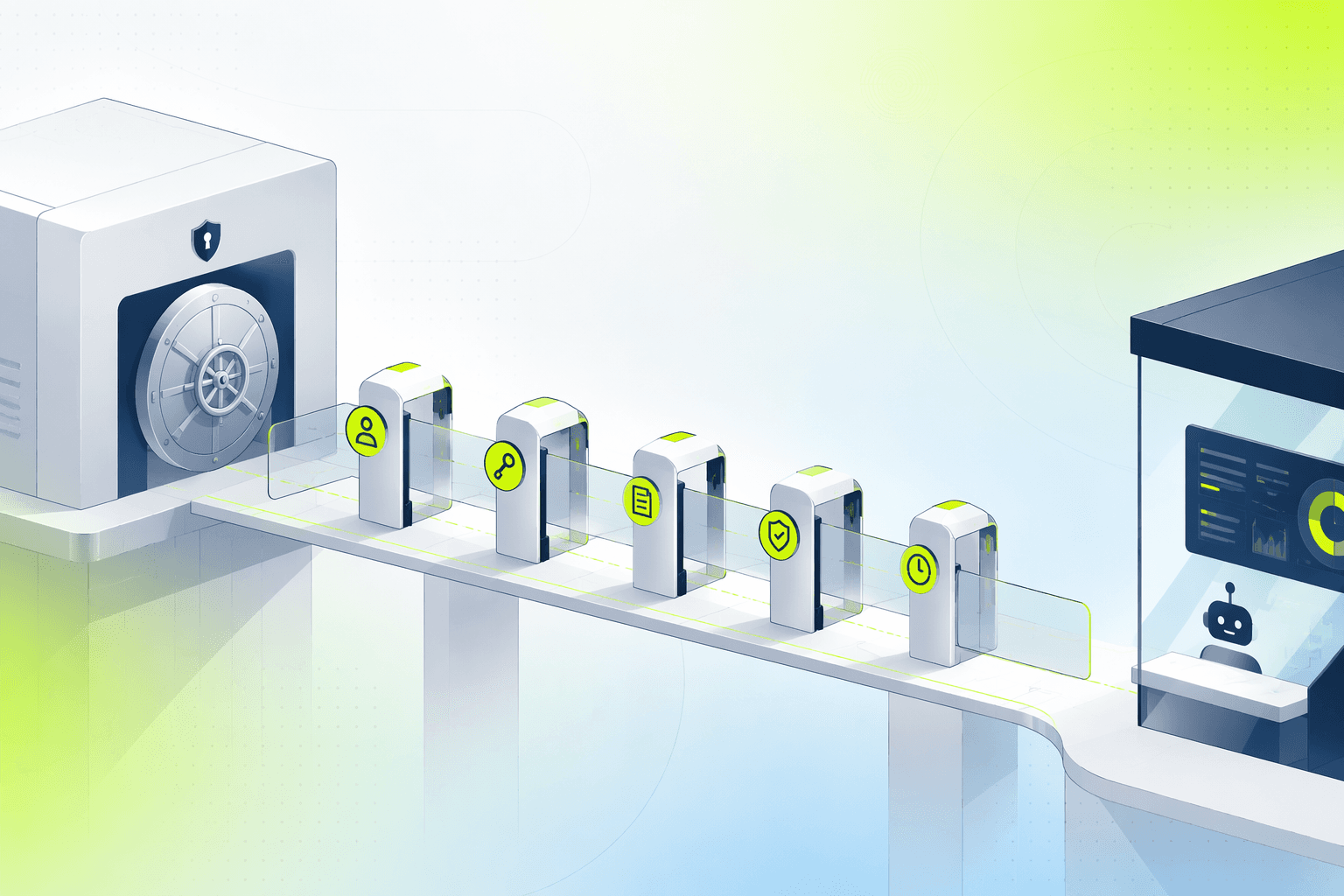
The moment you connect a broker to an AI agent is the moment automation stops being theoretical. Until then, a bad strategy wastes your time; after it, a bad connection can spend your money. The good news: retail broker and exchange connections are built on permission systems that let you grant exactly as much power as automation needs and no more. This article explains how the three main connection types work, then walks through a safety checklist that makes the worst realistic outcome an annoyance rather than a disaster.
How an AI agent actually connects to your account
There is no single "connect" mechanism. Three patterns cover almost every retail setup, and each has its own security shape.
Exchange API keys (crypto). Binance, Kraken, Bybit and their peers let you generate API keys in your account settings. A key is a credential pair the platform uses to act on your behalf, and, critically, each key carries scopes you choose at creation: read balances, place orders, withdraw funds. The scopes are enforced by the exchange, not by the platform holding the key. A key created without withdrawal permission cannot move funds out, no matter who holds it or how it leaks.
OAuth-style aggregators (stock brokers). Most stock brokers do not hand out raw API keys to retail clients. Broker aggregators sit in between: you authenticate directly with your broker through the aggregator's flow, the broker issues a revocable token, and the automation platform receives scoped access without ever seeing your login. You can kill the token from the broker's side at any time.
MT5 bridge (FX and CFDs). MetaTrader 5 accounts connect through the MT5 infrastructure itself. Trading permission and account access are governed by the broker's account settings, and investor-versus-master password separation gives you a read-only tier when you want monitoring without execution.
The common thread: in every pattern, the power the agent holds is defined at the account side, where you control it. That is the entire basis of the checklist below. For the deeper threat model behind these mechanics, including phishing and platform-breach scenarios, see our guide to trading API key security.
The safety checklist before you connect a broker to an AI agent
Run through these seven items in order. None is optional, and the first is the one that matters most.
1. Trade-only permissions. Never withdrawal rights. When creating an exchange API key, enable reading and trading, and leave withdrawals disabled. This single choice changes your worst case from "funds gone" to "bad trades inside your account," which risk controls can then contain. No legitimate automation platform needs withdrawal scope; execution means placing orders, and orders settle inside your account.
2. IP allowlisting, where the venue offers it. Restricting a key to the platform's published server addresses means a stolen key is useless from anywhere else. Some exchanges also enforce shorter key lifetimes without an allowlist, which tells you how much they trust unrestricted keys.
3. A separate sub-account with a capped balance. Most major crypto exchanges support sub-accounts. Fund one with only the capital you intend to automate and key the agent to it. The agent cannot touch what is not there, and your main balance stays outside the blast radius entirely. For stock brokers, a second brokerage account serves the same purpose.
4. Small allocation first. Whatever the sub-account holds, start the agent on a fraction of it, something like 10–25% of your intended automation capital for the first month. Connection-layer surprises (rounding, minimum order sizes, unexpected fills) are cheapest at small scale.
5. Key rotation on a schedule. Delete and re-issue keys every 90 days, and immediately on any doubt: a phishing email that almost got you, a platform incident report, a laptop you no longer trust. Rotation costs five minutes and resets the clock on any silent compromise.
6. Two-factor authentication on the broker account itself. The account that creates keys outranks every key it creates. Protect it with an authenticator app or hardware key, not SMS. An attacker who owns the account can mint new credentials with any scope they like.
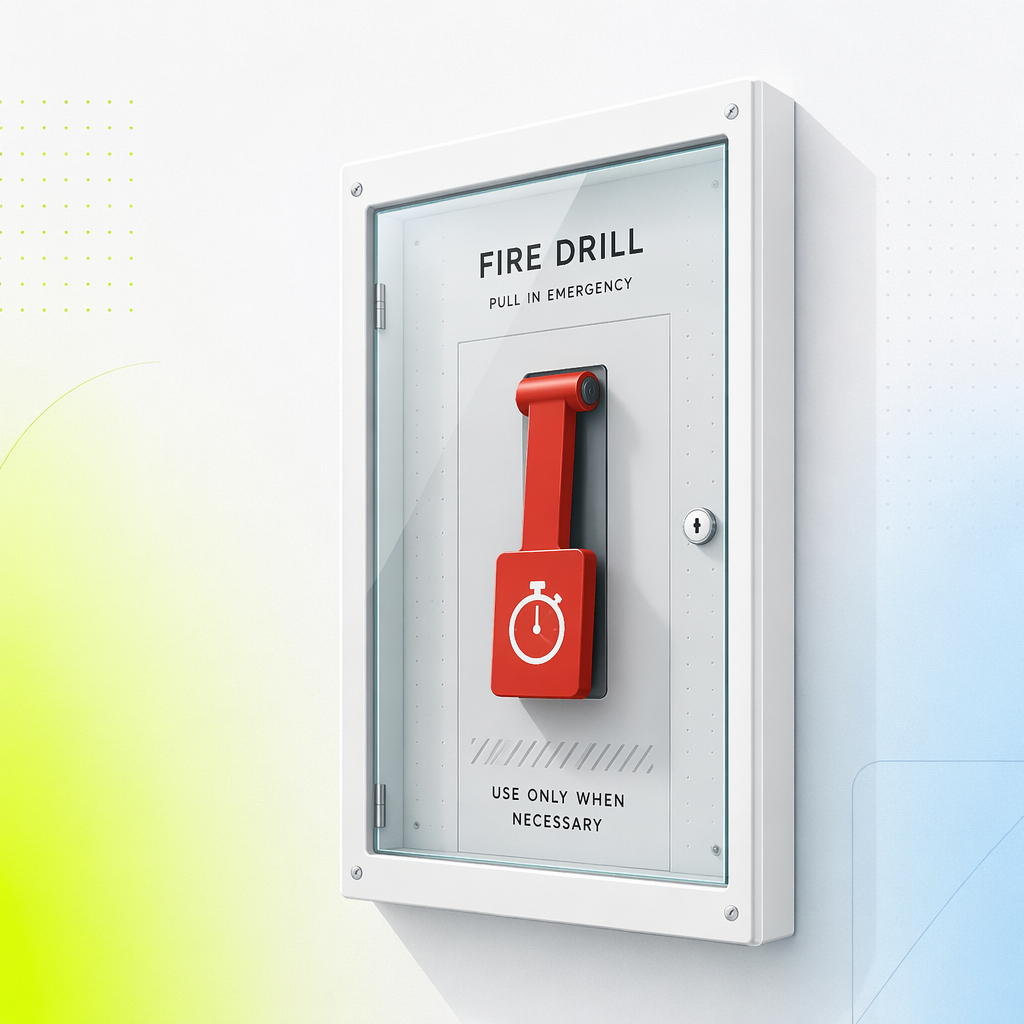
7. A rehearsed revocation drill. Know, before you need it, exactly where the revoke button lives for every connection you have granted, and time yourself using a dummy key. Target under two minutes from "something is wrong" to "access dead." In an incident, the difference between knowing and searching is the difference between a story and a loss.
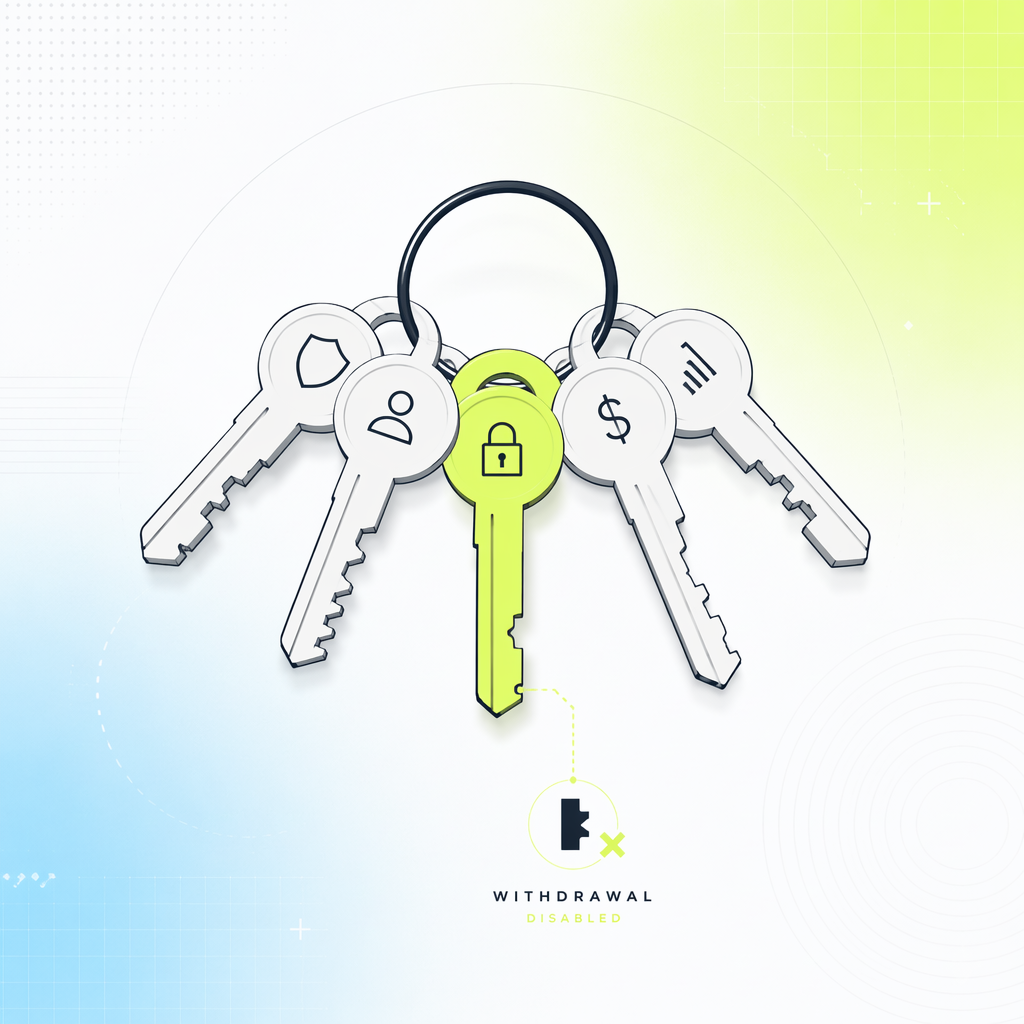
Print the list, literally or mentally, and re-run it whenever you add a venue. Connections accumulate; audits don't, unless you schedule them.
What a platform should never ask for
The checklist tells you what to configure. Just as important is what to refuse. Walk away from any service that asks for:
- Withdrawal-enabled API keys, for any stated reason. "Needed for rebalancing" or "required for fee collection" are not reasons; both work fine with trade-only scope or normal billing.
- Your broker username and password typed into their site. Legitimate stock-broker connections use OAuth-style flows where credentials go to the broker or its authorized aggregator, on a domain you can verify. A platform that wants your login on its own form is asking you to hand over the account, not connect it.
- Transfers to a "trading wallet" or deposit address. The moment your money must move to them before the magic starts, you are not automating your account, you are funding theirs. Real agent platforms trade inside your existing venue account.
- Seed phrases or private keys. These never have a role in centralized-exchange automation. Any request for them is a scam, full stop.
- Remote access to your machine to "help you set up." Screen-sharing support to watch is one thing; control of a session where you are logged into your broker is another.
A useful mental test: after connecting, could this platform benefit from your funds in any way other than the fees you agreed to pay? If the honest answer is yes, the design is wrong, whoever runs it. Permissioning is also a revealing due-diligence lens when choosing an automated trading platform in the first place: how a product asks for access tells you how it thinks about your risk.
Matching the connection to your markets
Your checklist stays the same across asset classes, but the plumbing differs, and it is worth knowing which pattern you are in before you start.
Crypto gives you the most granular control: per-key scopes, IP allowlists, sub-accounts, instant revocation. Stocks and ETFs run through broker aggregation, where the broker's token system holds the power and revocation happens on the broker side. FX and CFD accounts on MT5 sit with the broker's password and permission model. If you trade across several of these, prefer one platform that speaks all three natively over a chain of point solutions, because every extra integration is another credential to audit.
This is how Obside is wired: agents connect to your existing brokerage account through broker-side authentication that issues a revocable, scoped token, with order execution supported for US and Canadian brokerage accounts and a monitoring and alerts mode everywhere else. Execution needs nothing beyond read and trade permissions, so withdrawal scope has no role anywhere in the setup: funds move only inside your own venue account, never out of it.
Concretely: a user automating an ETH strategy creates a Binance sub-account, funds it with $2,000, generates a key with reading and spot trading enabled and withdrawals off, and connects. The agent can now execute the strategy inside those $2,000 under its risk limits, and nothing else. Total setup time is about ten minutes, most of it on the exchange's side.
The first week after connecting
Connection is not the finish line. Treat the first week live as a probation period for the plumbing.
Audit the order log daily and reconcile every fill against the venue's own history: same size, same price ballpark, same timestamps. Discrepancies at this stage are usually configuration, and configuration errors compound. Set up independent alerts, from the exchange itself, for logins, key usage from new IPs, and large orders, so you are not relying on the platform to report on itself. And run your revocation drill once for real: revoke the key, watch the agent lose access, re-issue, reconnect. Ten minutes, and you have converted an emergency procedure into a routine one.
If week one is clean, raise the allocation toward your target gradually, and let the agent's own guardrails take over as the primary safety layer. The connection checklist protects you from the plumbing; sizing rules, stops and drawdown caps protect you from the strategy. You need both, and they fail independently.
Where to go from here
A safe broker connection is mostly decided in the ten minutes before you click connect: trade-only scope, capped sub-account, allowlist, 2FA, and a revocation path you have rehearsed. Get those right and the scariest step of automation becomes one of the most controlled. If you have not yet built the agent that will use the connection, start with our guide to creating an AI trading agent, and when you are ready to connect a real brokerage account under trade-only permissions, Obside handles the connection and your agents from one place.
Educational content only. This is not investment advice. Trading involves risk, including possible loss of capital.
FAQ
It can be, if you control the permissions. Grant trade-only access with withdrawals disabled, use a sub-account holding only your automation capital, enable IP allowlisting where offered, and protect the broker account with app-based 2FA. Configured this way, even a full credential leak cannot move funds out of your account; the worst case is unwanted trades inside it, which risk limits contain.